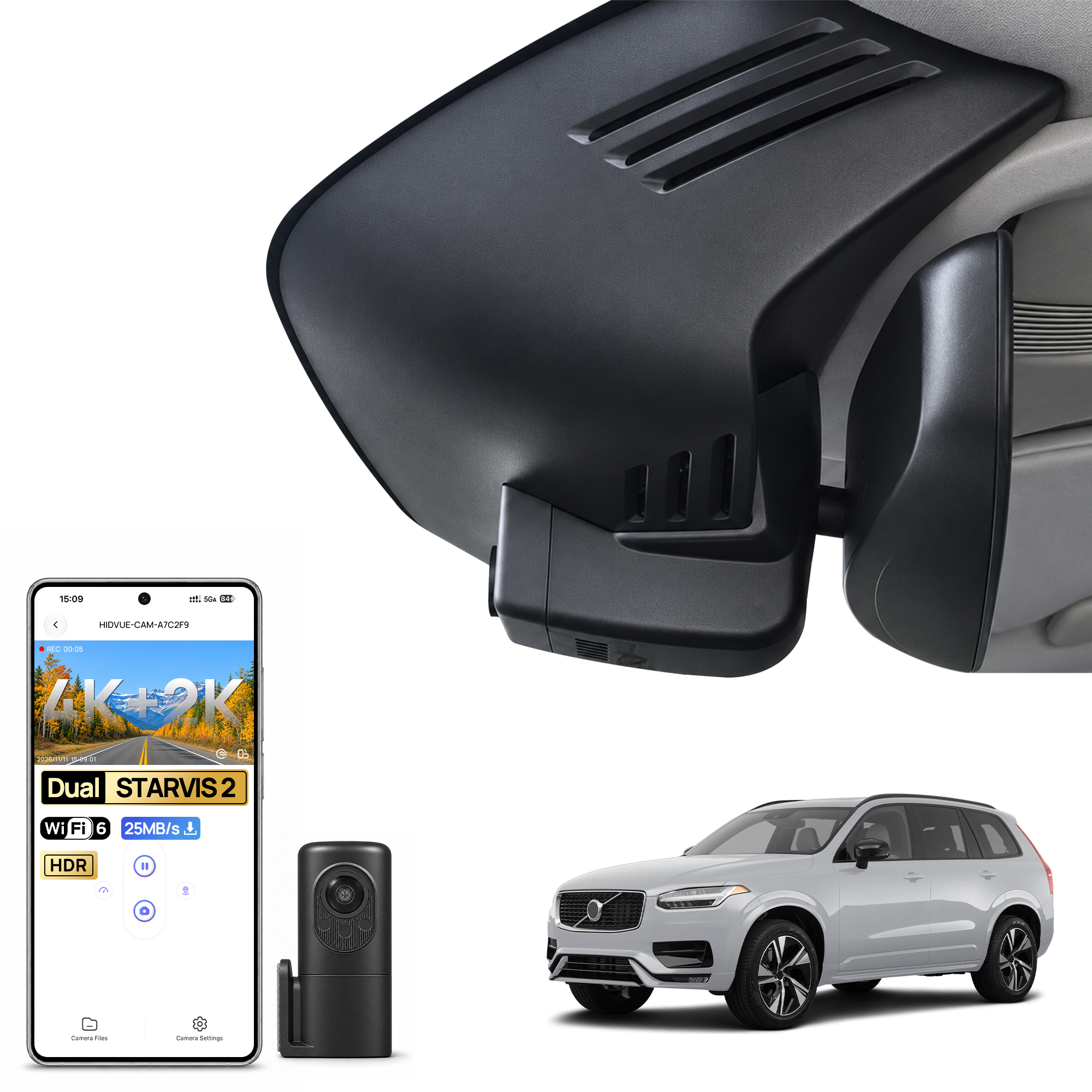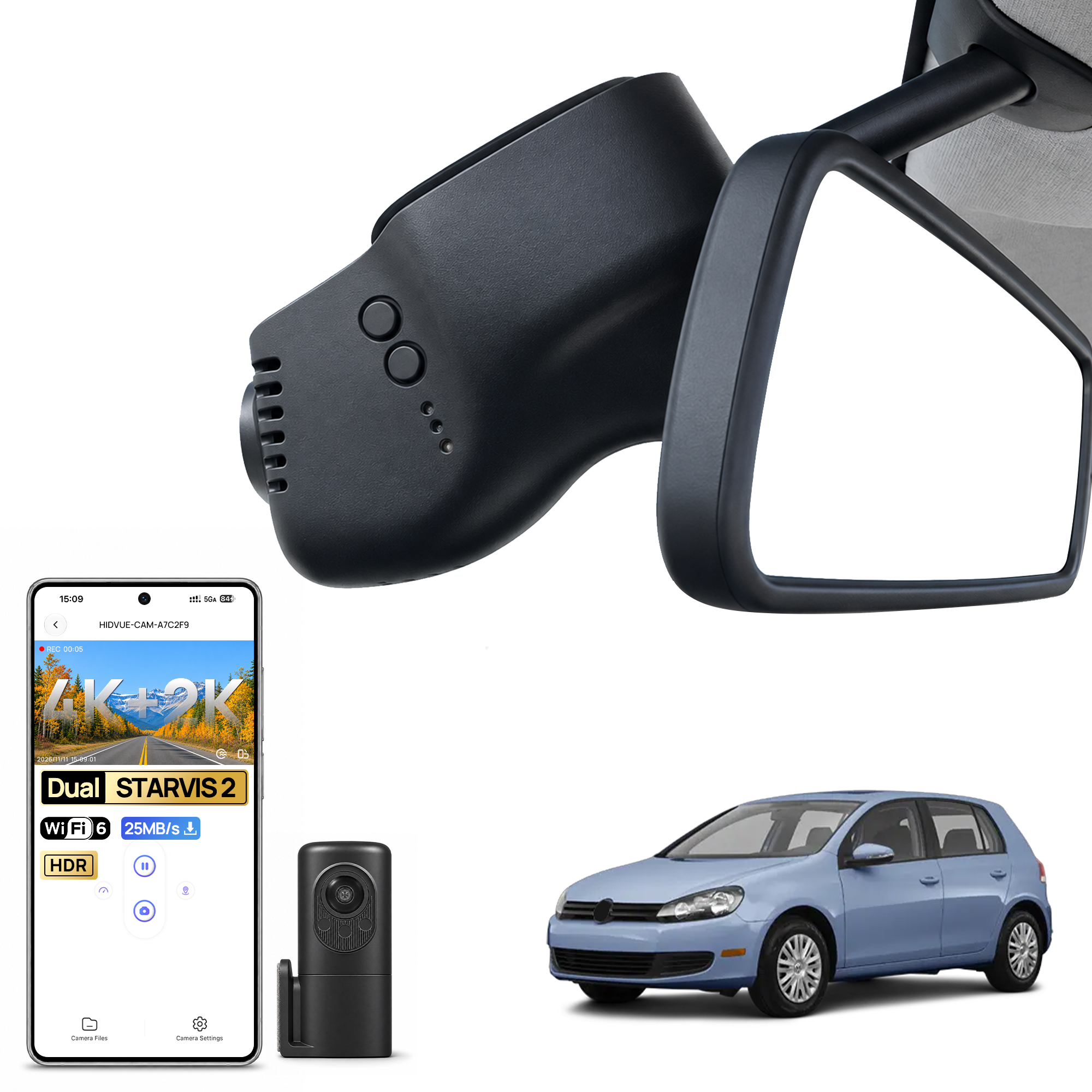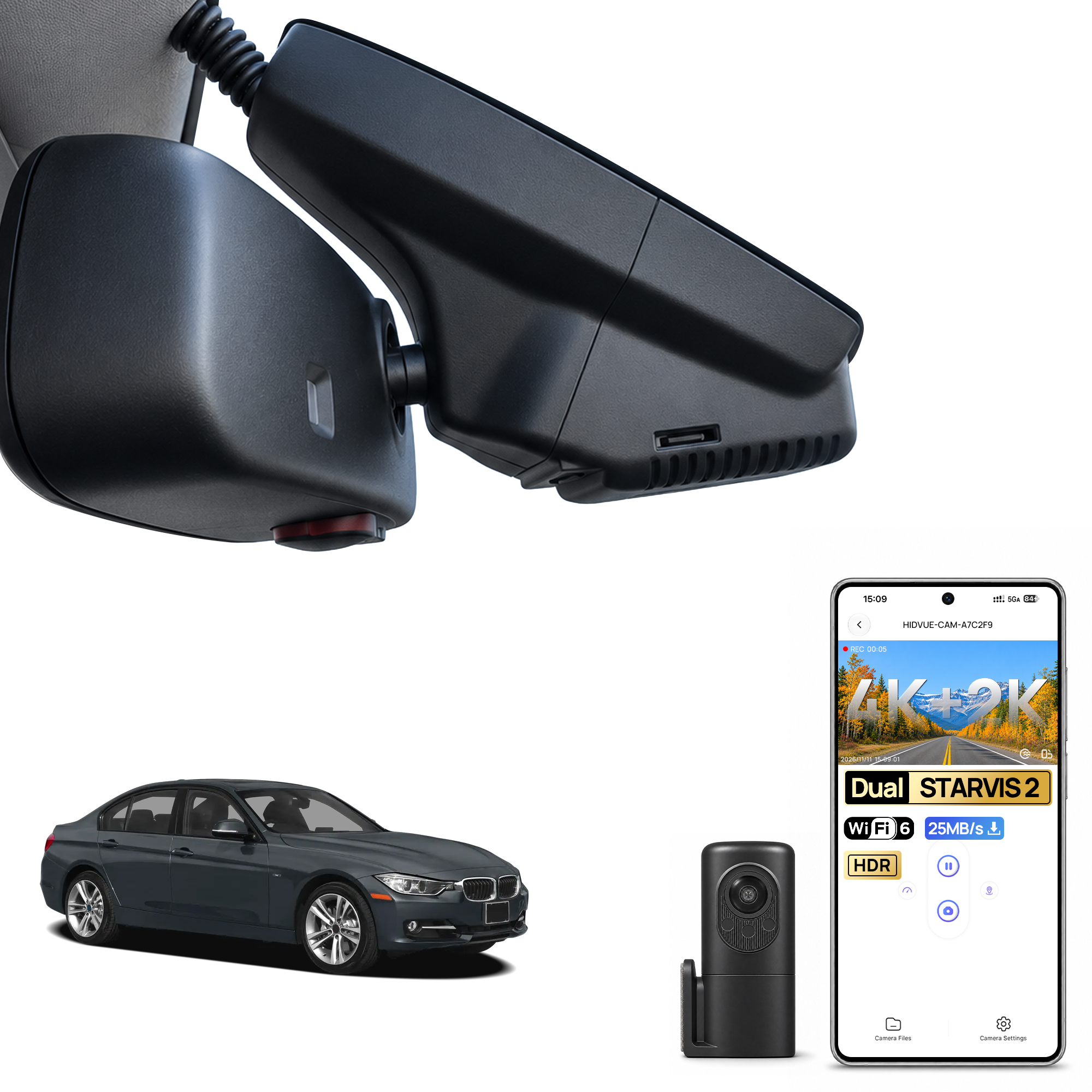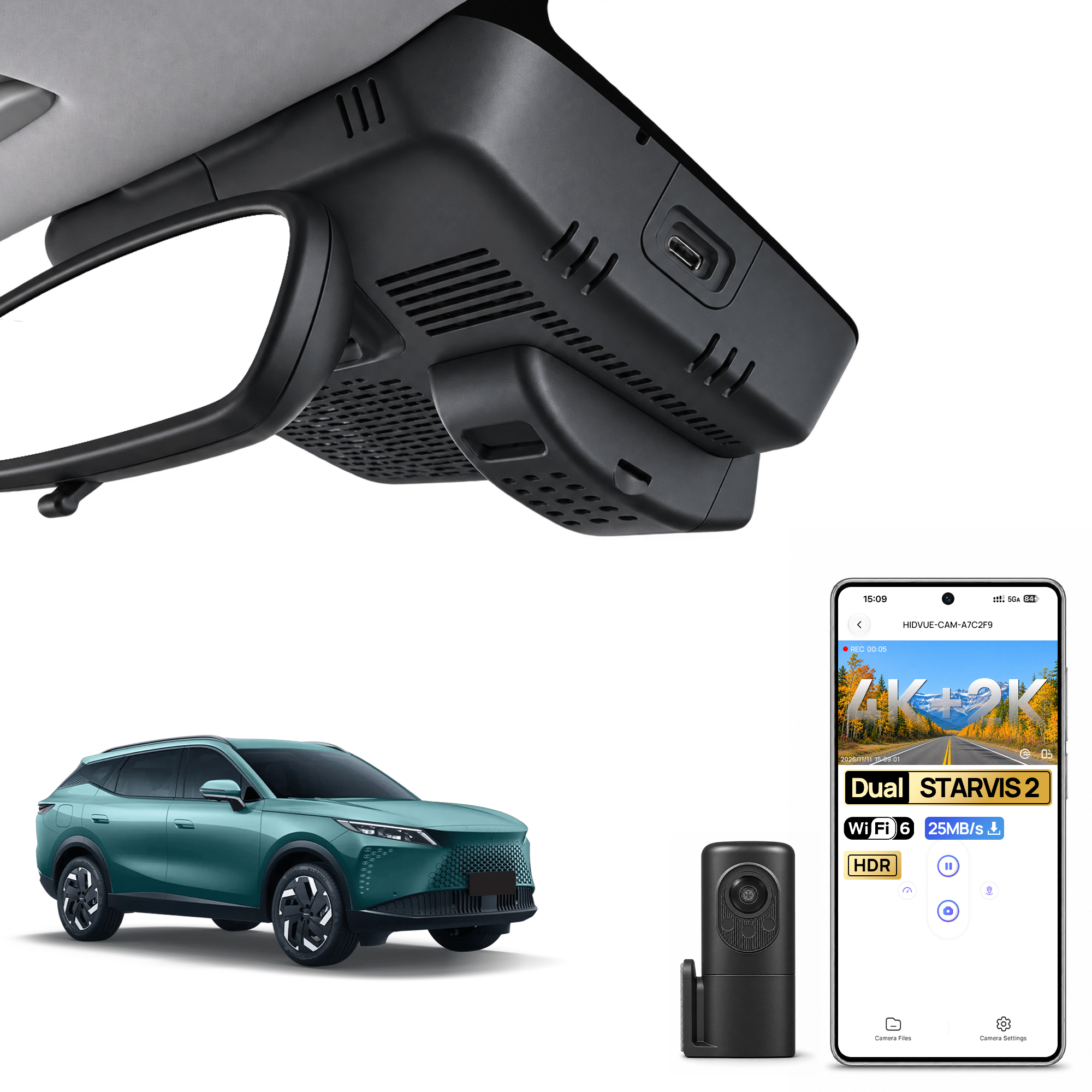
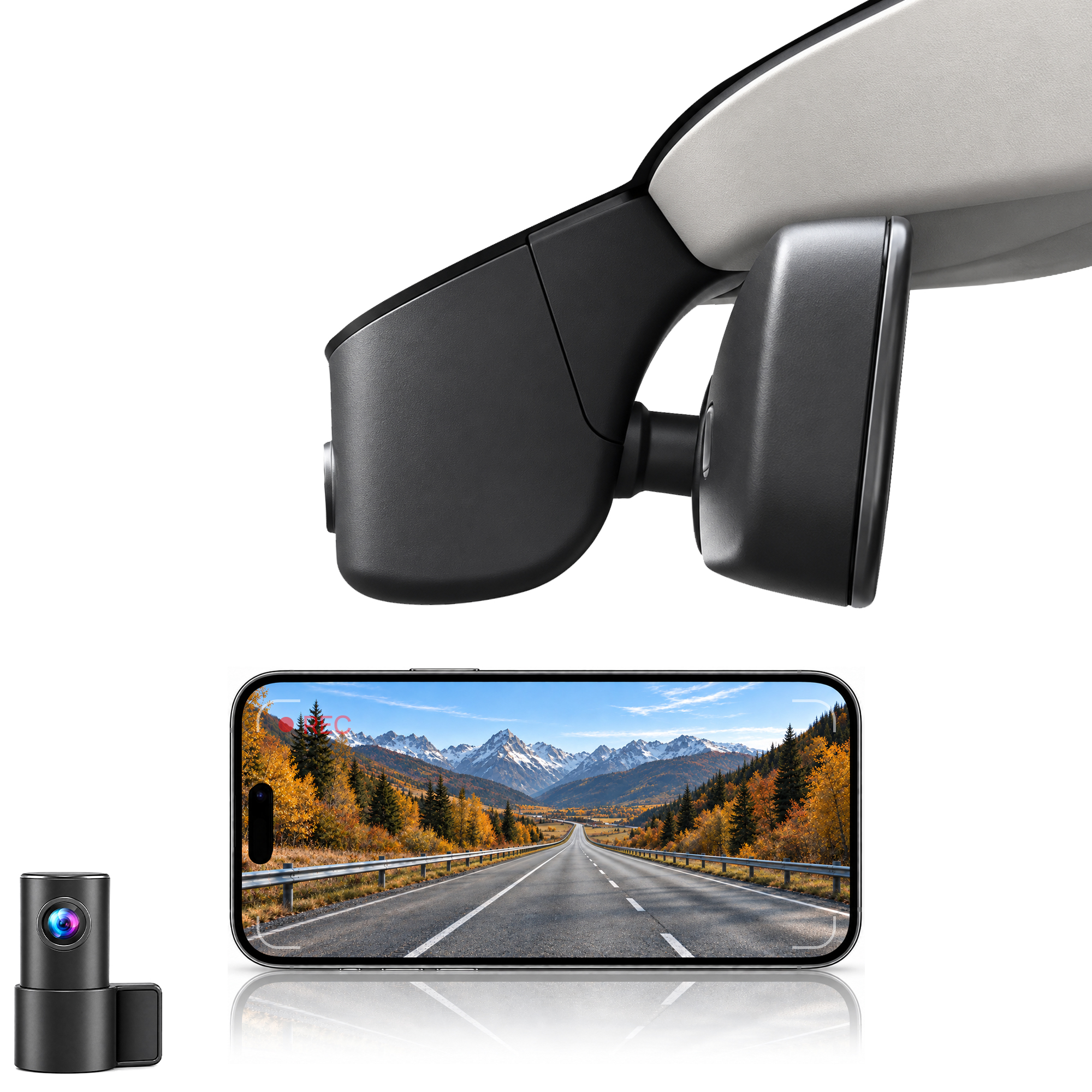
HIDVUE Dash Cam for Lamborghini Urus SE 2018-2026
£229.99
Tax included. Shipping calculated at checkout.
Select Variant
Configuration
SD Card
Housing Color
Quantity
More Add-ons
Enhance your driving experience
Vehicle-specific digital mirror dash cam
Designed for your BMW X1
2023–2026
A clean, integrated installation.
Fits left- and right-hand-drive vehicles.
Check your original mirror housing
Compare the housing shape and openings before ordering.
Left-side view
Right-side view
Need help confirming fit?
Send photos of your original mirror housing from both sides.
Check my fitmentCamera views on your mirror
Explore the front and rear camera views on the same display.
Front view Rear view
Watch mirror demoFront camera view shown
Rear camera view shown
Rear camera view is available on Front + Rear versions only.
Real footage. Front and rear.
Explore daylight and night-time recordings from the 4K Front + 1080P Rear version.
Front camera
4K30 fps recording
Daylight Open original
Night-time Open original
Rear camera
1080P 30 fps recording
Daylight Open original
Night-time Open original
Take a closer look at the original files.
The embedded clips are previews. Open the original files to inspect the recordings at their source quality.
Samples shown: 4K Front + 1080P Rear version. Recording resolution and rear-camera availability depend on your selected configuration.
Explore phone featuresYour recordings. On your phone.
Connect to your dash cam's Wi-Fi to view and save footage in the Viidure app.
Live viewPreview your camera's view on your phone. PlaybackBrowse and replay recorded clips. DownloadSave selected recordings to your phone.
Get Viidure for AndroidGoogle Play
VIIDURE APP
Viidure app · Live view Viidure app · Playback Viidure app · DownloadIllustrative interface. Actual app layout may vary.
Connect in three steps.
- 01Enable camera Wi-Fi
Power on the dash cam and enable its Wi-Fi.
- 02Connect your phone
Join the dash cam's Wi-Fi network in your phone's settings.
- 03Open Viidure
Open the app and select your connected camera.
Local Wi-Fi connection only. Remote monitoring is not supported.
Choose your recording setup.
See the front image sensor and video processor behind each recording configuration.
Hardware shown: 4K Front + 2K Rear version.
Featured: 4K Front + 1080P Rear
Front image sensor
Sony IMX335
The front-camera sensor used in both 4K configurations.
Video processor
Novatek 96670
The processor used in the 4K Front + 2K Rear configuration.
Front recording
4K
Rear recording
1080P
Front and rear
30 fps each
Automatically enabled
HDR
See how it fits.
Follow the installation overview, from the power connection to the final recording check.
Vehicle-specific installation video Open installation video
Standard power connection
Rain-sensor adapter included.
The standard setup uses the supplied rain-sensor power adapter. Use the guide for your vehicle to identify the matching connection.
Front camera
Vehicle-specific housing
Rear camera · Front + Rear only
Inside the rear windscreen
The fitting sequence
Use the model-specific guide for the exact connections and cable route. Skip the rear-camera step for Front Only versions.
01
Access the original housing
Use the model-specific guide to remove the mirror-base cover and identify the correct connector.
02
Connect the power adapter
Connect the supplied rain-sensor power adapter using the matching plugs shown in your fitting guide.
03
Fit the front camera
Position the vehicle-specific camera housing and secure it following the fitting guide.
04
Fit the mirror display
Mount and connect the mirror display using the instructions for your product and vehicle.
05Front + Rear versions only
Install the rear camera
Mount the rear camera inside the rear windscreen. Route and connect its cable using the model-specific guide.
06
Check recording and finish
With a compatible memory card installed, check the available camera views, saved footage and mirror display before completing the trim refit.
Adding parking time-lapse?
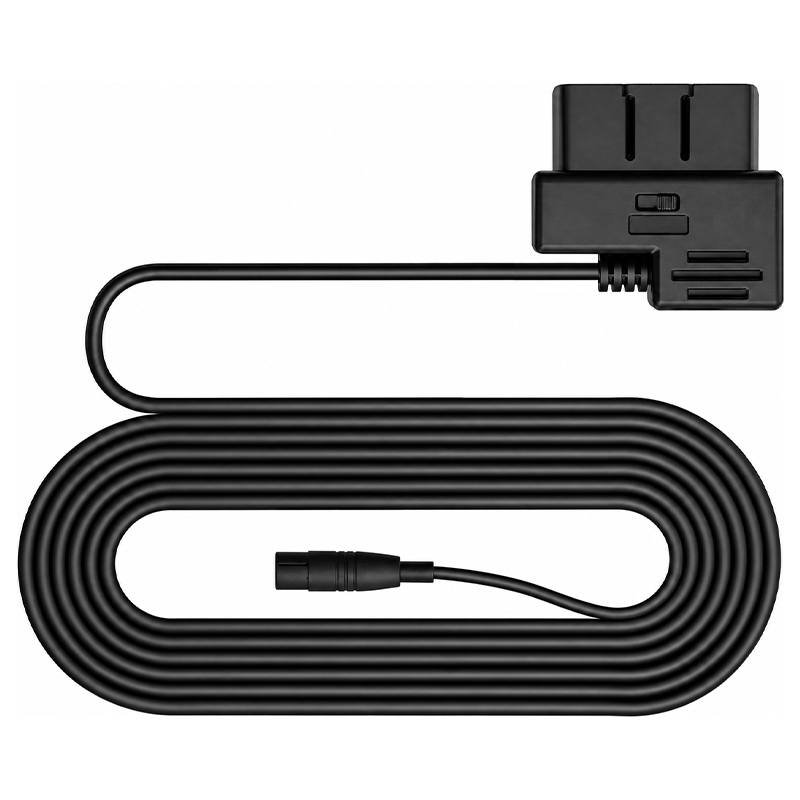
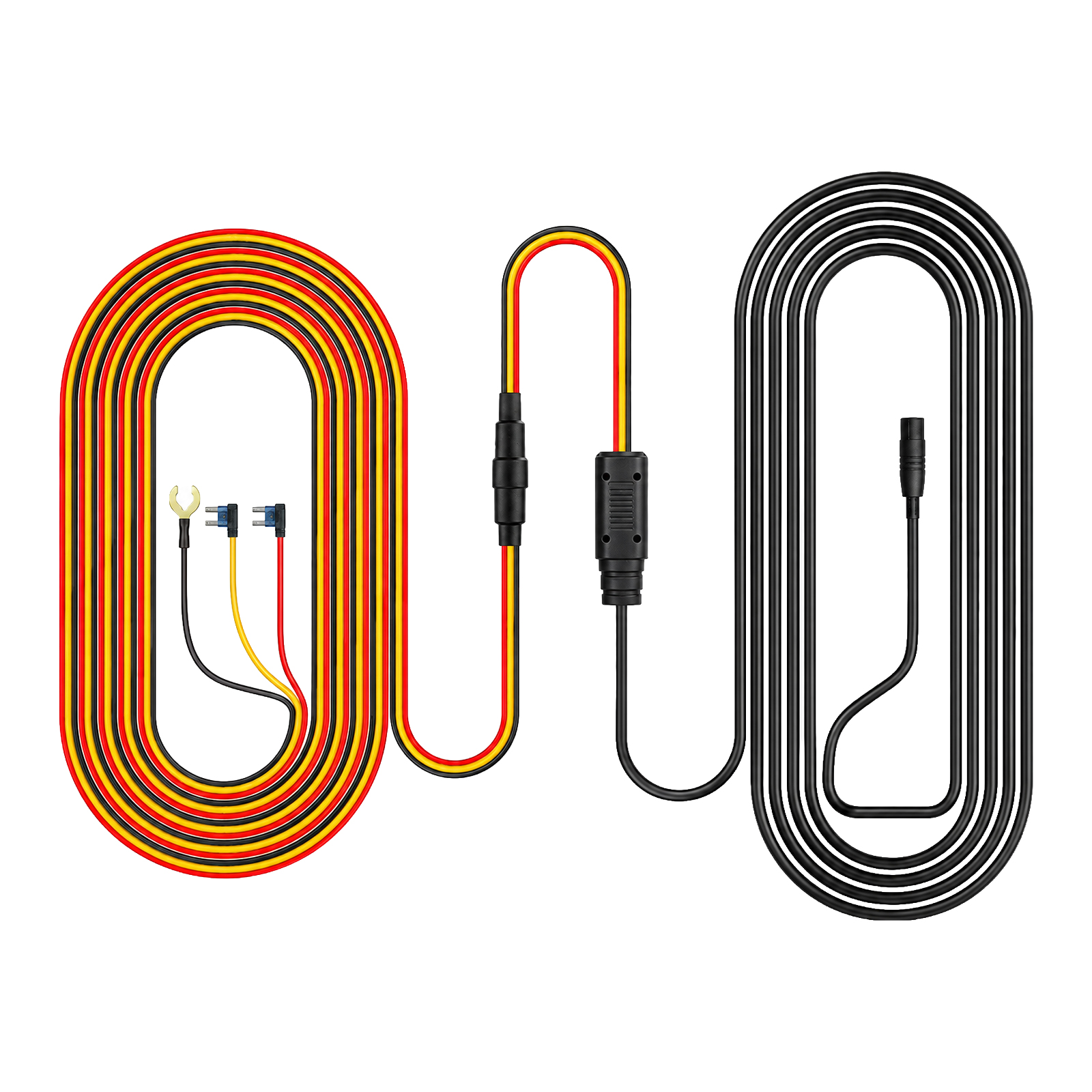
Parking time-lapse requires an optional OBD or ACC power kit, purchased separately. Choose one power option.
Choose the extras you need.
Add parking recording, route and speed data, or a memory card to suit your setup.
Everyday driving power comes included.
The standard rain-sensor power adapter powers the system while you drive.
IncludedTime-lapse parking recording
Optional · choose one kitParking mode requires an OBD or ACC power kit, purchased separately. Choose the power connection that suits your installation.
OBD power kit
For power through the vehicle’s OBD socket.
ORACC hardwire kit
For a hardwired power connection.
The standard rain-sensor adapter does not enable parking mode. Follow the installation guide supplied with your chosen power kit.
Add route & speed data.
GPS module · optionalRecord your vehicle’s position, driving route and speed with the optional GPS module.
GPS records journey data. It does not provide remote monitoring.
Choose your storage.
Memory card · optionalSelect a 64GB or 128GB card with your camera, or use your own compatible microSD card.
A compatible card is required to save recordings. A card is supplied only when selected.
Choose on this product page
Power kit & GPS
Make your selection in the optional accessories area. Choose one parking power kit: OBD or ACC. Add GPS if needed.
Memory card
Use the SD Card options to choose your capacity. Select “Without SD Card” if you are supplying your own compatible card.
What’s in the box.
See what comes with your camera configuration and which extras are supplied only when selected.
Front + Rear kit shown
The rear camera is included with Front + Rear versions only.
Included as standard
With both Front Only and Front + Rear configurations.
- 01
Vehicle-specific front camera
Front camera module with the housing for the vehicle fitment listed on this page.
- 02
Digital rear-view mirror
Mirror display for the front feed and, on Front + Rear versions, the rear feed.
- 03
Rain-sensor power adapter
The standard power connection for everyday driving.
Rear camera
Front + Rear versions onlyFor installation inside the rear windscreen.
Only included when selected
These extras are supplied when you select them with your order.
Memory card
Your selected card option.
OBD / ACC power kit
Your selected kit: OBD or ACC.
GPS module
Supplied when added to your order.
Warranty & support.
Help with compatibility, installation and using your system.
2-year warranty
See our warranty terms for details of coverage and how to make a claim.
View warranty termsSupport for your setup
Before you order
Share your vehicle model, year and a clear photo of the mirror housing so we can help check fitment.
During installation
Send a photo of the connector or the installation step you need help with.
When using your system
Get help with recording, the mirror display or the Viidure App.
Already ordered? Include your order number and a short description of the issue.
Specifications
4K Front Only
4K Front + Rear
FAQs
Find answers to the most commonly asked questions.
Please send us clear photos of both sides of the rear-view mirror housing.